
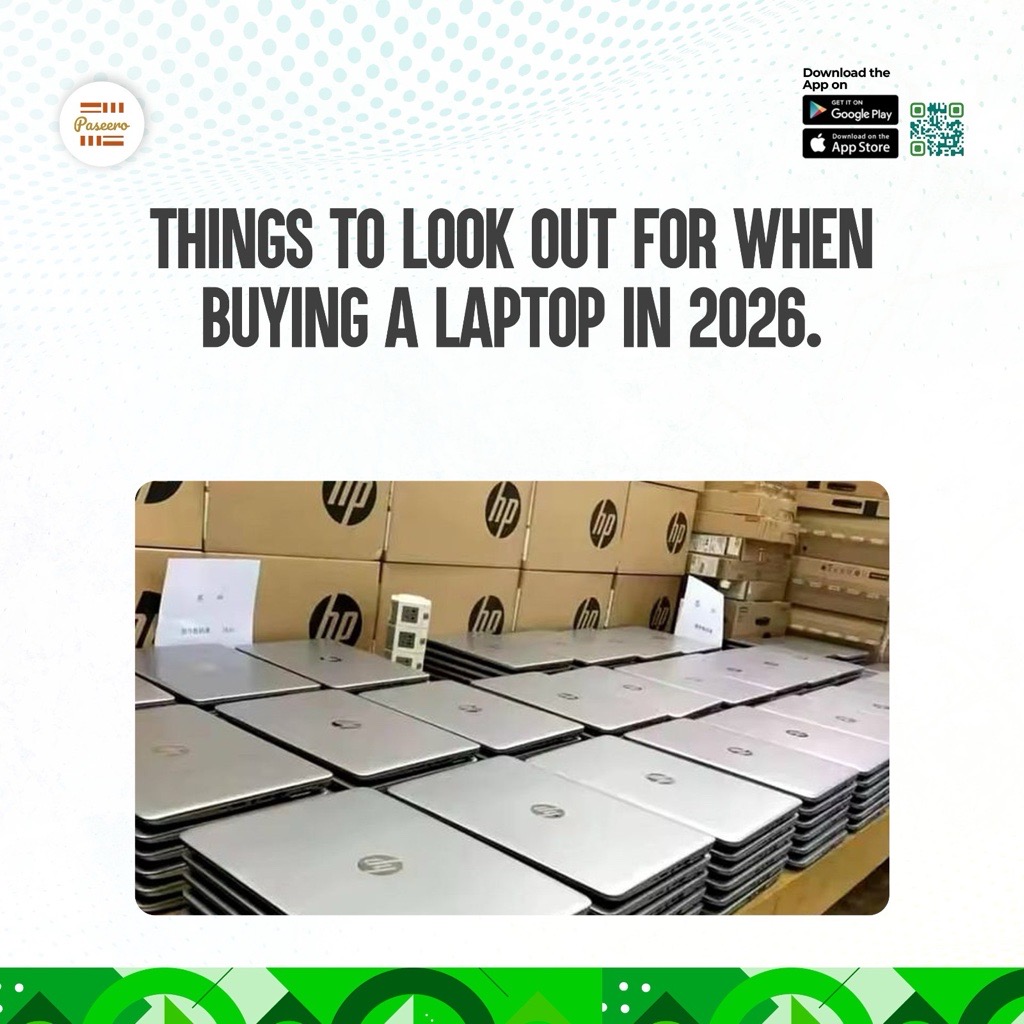
What to Look Out for When Buying a Laptop in 2026
1. How Much Memory (RAM) Should a Laptop Have in 2026?
Go for 16GB. Treat 8GB as the floor for light use only, and skip 4GB completely because Windows struggles on it. RAM is the laptop's short-term working space. It decides how many apps, tabs and files you can keep open at once without slowdowns. If you do video editing, design, coding or AI work, 32GB is the better choice, and 16GB is the starting point.
Example: Picture a working day with Excel, 15 browser tabs, WhatsApp Web and a Zoom call all open. On 8GB, the screen starts freezing around the third meeting. On 16GB, everything just keeps moving.
- Pros: Smooth multitasking, and the laptop stays useful for several years.
- Cons: Costs more than 8GB, and many thin laptops cannot be upgraded later, so buy the right amount upfront.
2. Which Storage Is Best for a Laptop: SSD or HDD?
Choose an SSD (solid-state drive), ideally an NVMe SSD (a faster type). 512GB suits most people, 256GB is the bare minimum, and 1TB is better if you keep lots of videos or photos. An old-style HDD (spinning hard drive) is slow and now works best as an external backup.
Example: A laptop with an HDD can take a couple of minutes to start and open files. The same laptop with an SSD is ready in seconds. A 256GB drive only works well if you keep most files in the cloud, because Windows and your apps take up a big chunk of it. If you edit product photos for your online shop, a 1TB drive saves you from deleting files to make room.
- Pros: Fast startup, quick file opening, and a snappier feel overall.
- Cons: SSDs cost more per GB than HDDs, so a bigger drive raises the price.
3. What Processor (CPU) Should You Buy for a New Laptop?
Pick an Intel Core Ultra 5 or Core 5, an AMD Ryzen 5 or Ryzen AI 5, or an Apple M-series chip. Avoid Intel Celeron and Pentium, and AMD Athlon, because they feel slow. The processor is the laptop's brain. For normal business work, a modern 6 to 8 core chip is plenty. Always check the generation (how new the chip is), not just the name. For Intel, the number in the model name shows it, so "14" means 14th generation.
Example: Two laptops can both say "Core i5" on the box. One is a recent chip, the other is several years old, and the older one feels noticeably slower. Choose the newest generation, or one behind at most. Also check the letter at the end: U and P chips favour battery life, while H, HS and HX chips favour speed but run hotter.
- Pros: A recent mid-range chip handles everyday work and lasts longer.
- Cons: Performance-focused chips drain the battery faster and cost more.
4. How Do You Avoid Getting Scammed When Buying a Laptop Online in Nigeria?
Never pay a seller in full before you have checked the exact laptop you will receive. Use a payment method that holds your money until you confirm the item matches the listing. Laptops are a top target for fake sellers because the prices are high and the specs are easy to misdescribe. Spec mismatches are common, so verify the details yourself instead of trusting the box or the chat.
Example: You spot a "brand new 16GB laptop" on Instagram priced far below the market. You transfer the money, and either the seller vanishes or a lower-spec model arrives. Escrow (a neutral third party holding the payment) fixes this. On Paseero (paseero.ng), your money stays protected until you confirm delivery. When the laptop arrives, open Settings, then System, then About, and confirm the RAM, storage and processor match what was advertised before you confirm.
- Pros: Your money is safe until you have verified the laptop, and honest sellers gain trust.
- Cons: It adds a short confirmation step compared with an instant transfer, so check the laptop promptly.
5. How Long Should a Laptop Battery Last?
Look for roughly 8 hours or more of real-world use if you move around often. Results vary with what you are doing, so treat the maker's claim as a best case. Streaming, video calls and heavy apps drain batteries far faster than typing in Word. Reviews that test real use are more honest than the number printed on the box.
- Pros: Freedom to work anywhere, plus fewer charging stops.
- Cons: Bigger batteries can add weight, and battery life drops with heavy use.
6. What Screen Is Best for a Laptop: Full HD or Better?
Choose at least Full HD (1920 x 1080) with an IPS panel (a screen type with better viewing angles) rather than a basic TN panel. You stare at the screen all day, so it affects comfort more than most buyers expect. A bright, sharp screen also makes long work sessions easier on your eyes.
- Pros: Sharper text, better colours and less eye strain.
- Cons: Higher resolutions and brighter screens use more battery.
7. Which Ports and Wi-Fi Do You Need on a Laptop?
Make sure it has USB-C (ideally one that charges the laptop), plus USB-A and HDMI if you use projectors or monitors. Pick Wi-Fi 6 or newer. Missing ports mean extra adapters, and older Wi-Fi gives less reliable connections. Wi-Fi 6 or newer is better for steady wireless connections and for keeping the laptop useful in the years ahead.
8. Do You Need a Dedicated Graphics Card (GPU)?
Only for gaming, 3D work, heavy video editing or serious design. For Word, Excel, Zoom, browsing and Canva, built-in (integrated) graphics are enough. You may also see an NPU (a chip for on-device AI features) in new laptops. It is a nice extra for running AI features on the laptop itself, but it should never replace good RAM, storage or a good processor.
Example: Designing flyers in Canva runs fine on built-in graphics. Editing a 4K wedding video with effects needs a dedicated card such as NVIDIA RTX or AMD Radeon.
- Pros: A dedicated GPU gives much faster results for heavy creative work.
- Cons: It adds cost, weight and heat, and shortens battery life.
Ready to Upgrade Your Laptop?
Shop for your next laptop on Paseero to enjoy exclusive discounts on your purchases! Download the Paseero app today on the Google Play Store or Apple App Store for a safe, seamless, and rewarding shopping experience.